Ultimate Guide to Downloading YouTube Videos
YouTube is the world's largest video platform with over 800 million videos. Whether you want to save tutorials, music videos, or YouTube Shorts for offline viewing, AnyClip provides a fast, free, and secure way to download YouTube content in high quality.
1YouTube Video Download — How It Works
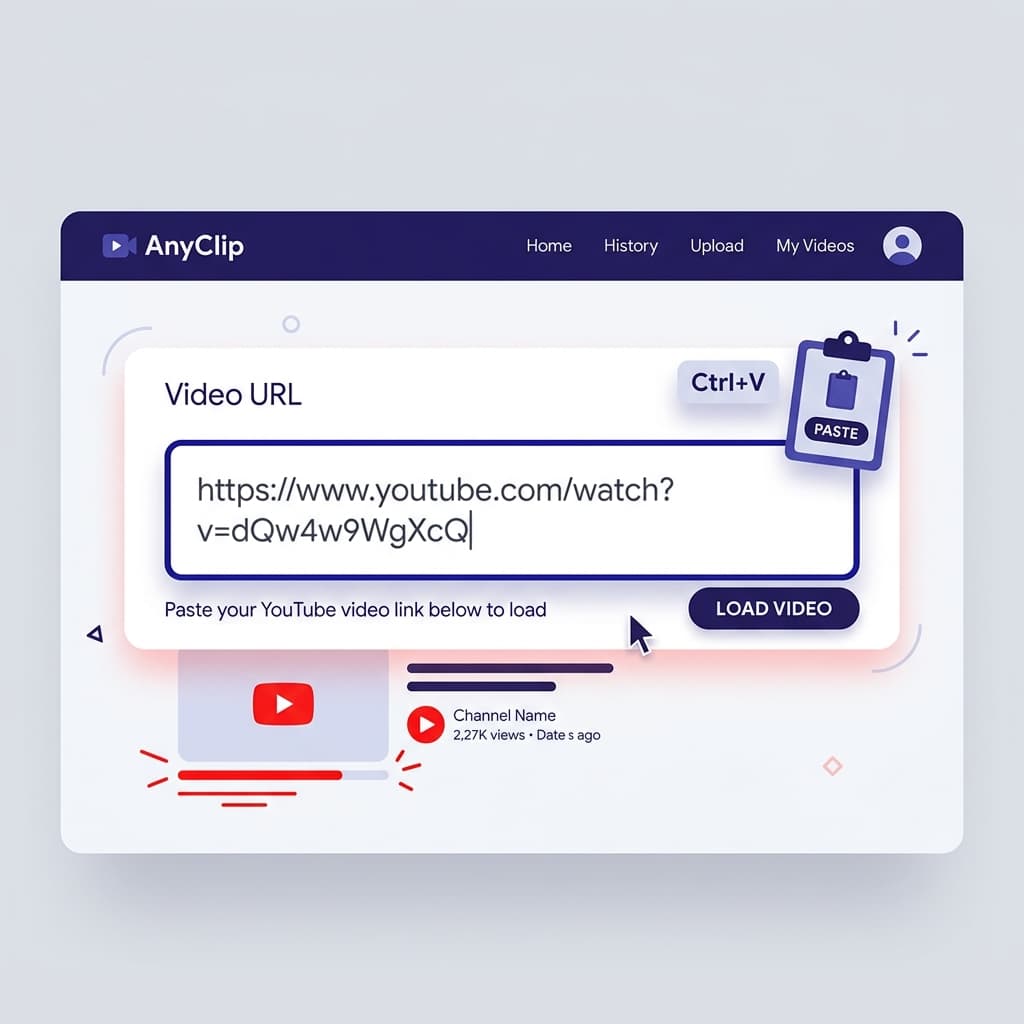
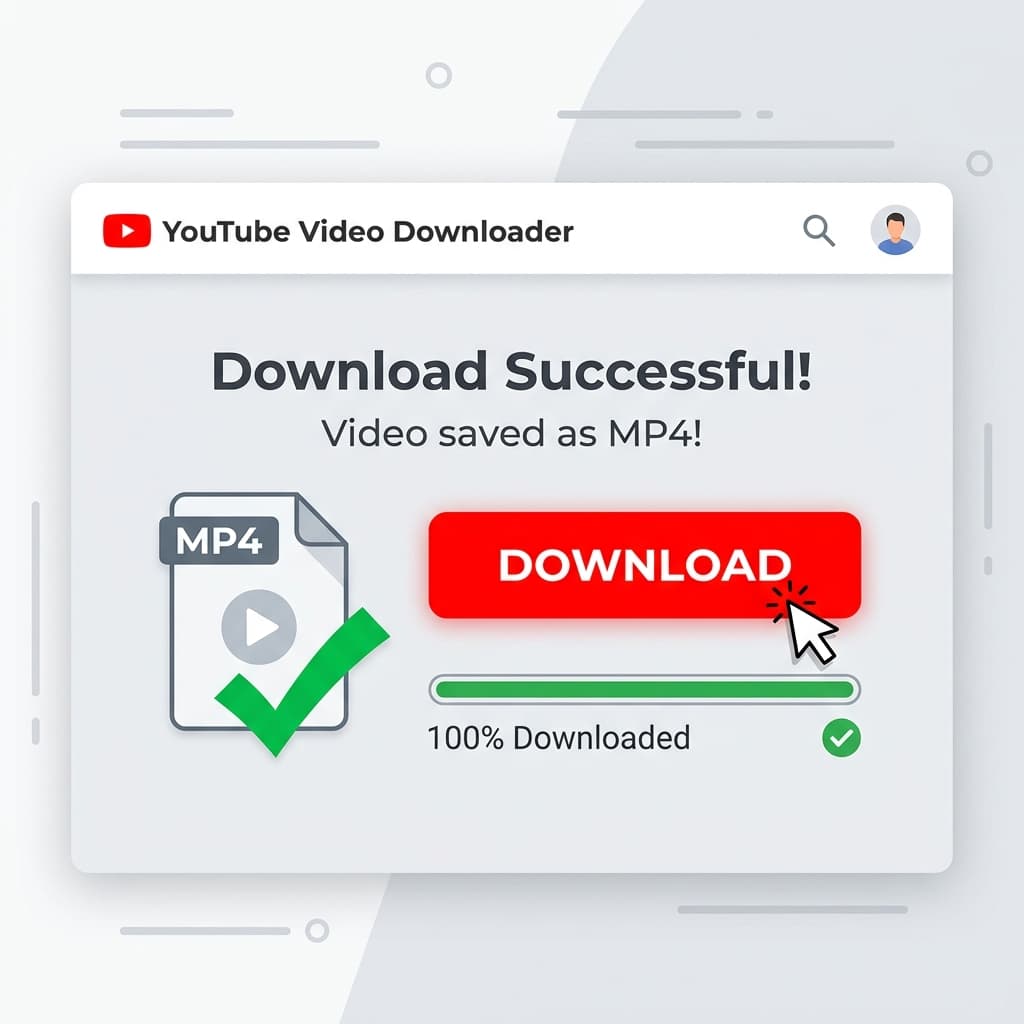
AnyClip processes YouTube URLs by connecting to YouTube's content servers to extract the video in your preferred quality. Simply paste any YouTube video or Shorts URL, and AnyClip will process it within seconds. The downloaded file comes in universal MP4 format, playable on any device.
2YouTube Shorts vs. Full Videos
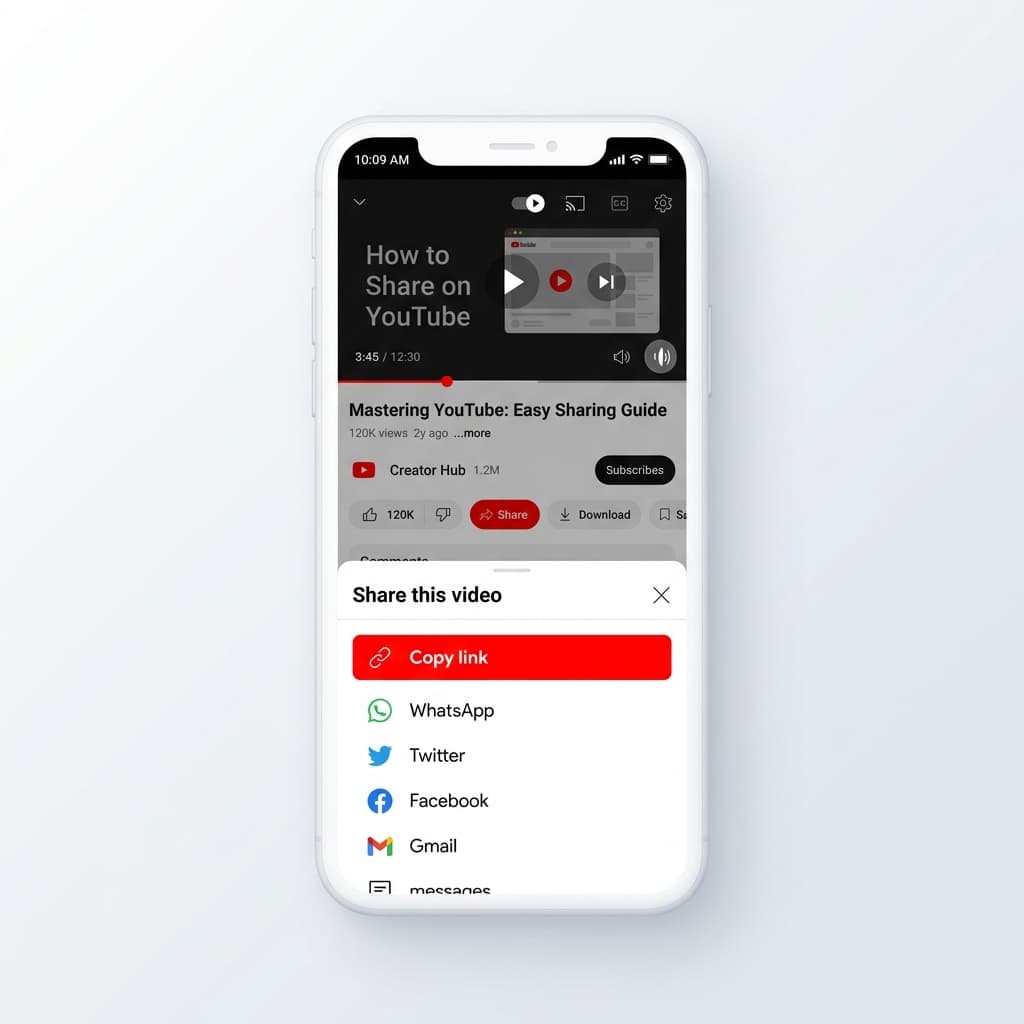
AnyClip supports both YouTube Shorts (vertical videos up to 60 seconds) and full-length YouTube videos. For Shorts, copy the URL from the Shorts player or share button. For regular videos, copy the URL from the address bar or share menu. Both formats download seamlessly.
3Video Quality Options
YouTube videos are available in multiple quality levels including 360p, 480p, 720p (HD), 1080p (Full HD), and sometimes 4K. AnyClip automatically selects the best available quality for your download. Higher quality means larger file sizes, so ensure you have enough storage space.
4Legal Considerations
Downloading YouTube videos for personal offline viewing is common practice. However, please respect content creators' rights — don't re-upload or commercially use downloaded content without permission. AnyClip is intended for personal use only. Always credit original creators when sharing content.