Everything You Need to Know About Downloading Instagram Videos
Instagram is one of the most popular social media platforms, with millions of Reels, Stories, and IGTV videos shared every day. AnyClip makes it easy to save your favorite Instagram content directly to your device — no app installation or login required.
1What is an Instagram Video Downloader?
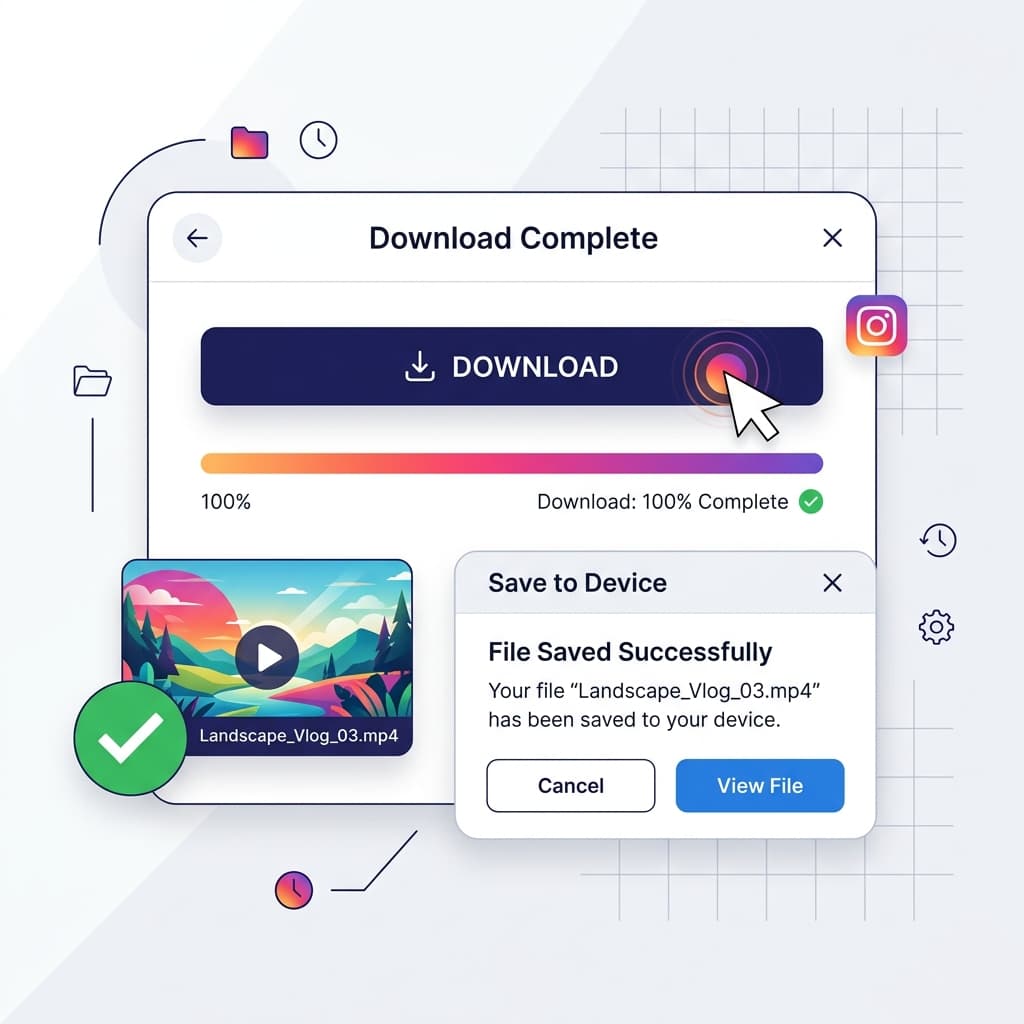
An Instagram video downloader is an online tool that lets you save Instagram Reels, IGTV videos, and regular video posts to your device. Unlike screen recording, AnyClip downloads the original high-quality file directly from Instagram's servers, ensuring you get the best resolution available — typically 1080p Full HD.
2Supported Instagram Content Types
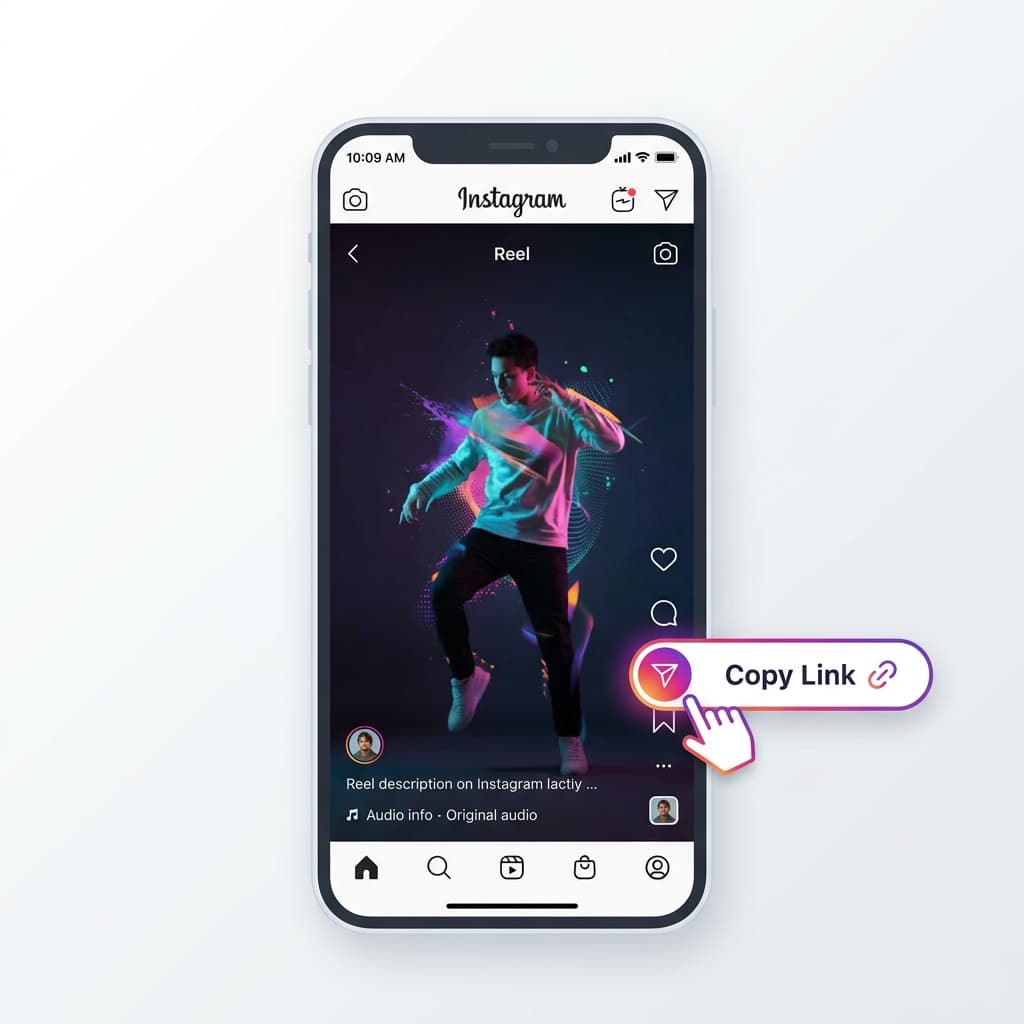
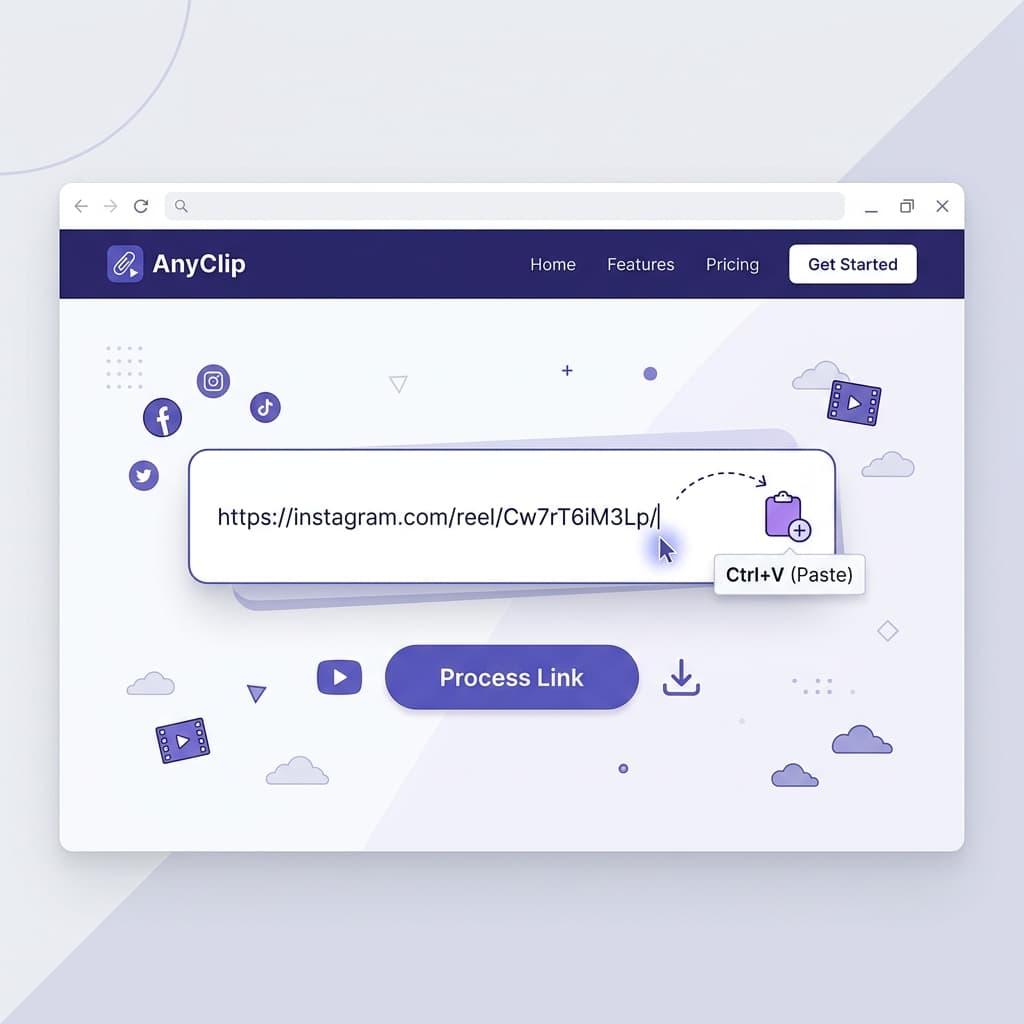
AnyClip supports all major Instagram video formats including: Reels (short-form vertical videos up to 90 seconds), IGTV videos (long-form content), regular video posts from public profiles, and video carousels. Simply copy the link to any of these formats and paste it into AnyClip to download.
3Is It Safe to Download Instagram Videos?
Absolutely. AnyClip is 100% safe and secure. We don't require any login credentials or personal information. Your downloads are processed through secure servers, and we never store your download history. The tool works entirely in your browser — no software installation needed.
4Tips for Downloading Instagram Reels
For the best experience: make sure the Instagram profile is public (private profiles cannot be downloaded), always copy the direct link to the specific Reel (not the profile URL), and ensure a stable internet connection for faster processing. AnyClip works on all devices including iPhone, Android, PC, and Mac.