Complete Guide to Downloading Facebook Videos
Facebook hosts billions of videos — from funny clips and news segments to personal memories and viral Reels. With AnyClip, you can save any public Facebook video directly to your device in HD quality, completely free and without any software.
1How Does Facebook Video Download Work?
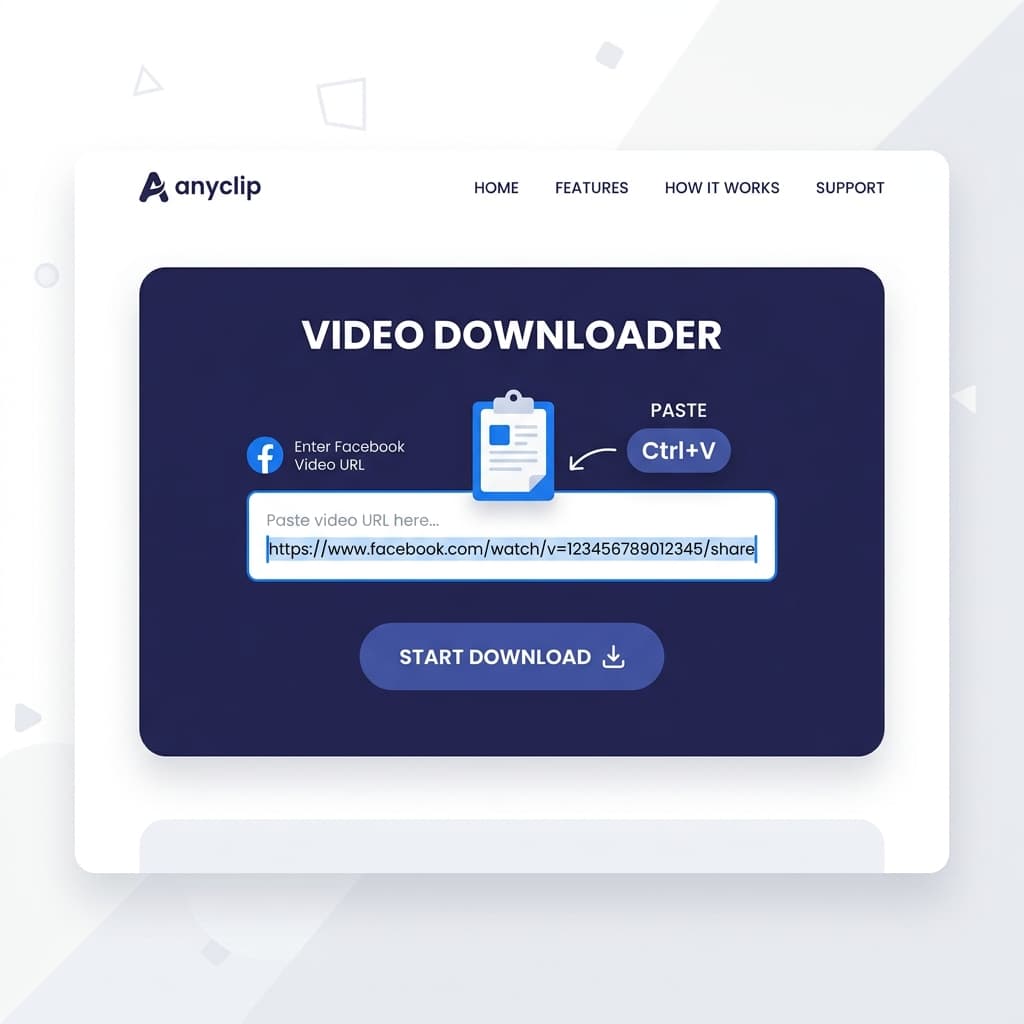
AnyClip processes Facebook video URLs by extracting the direct media link from Facebook's content delivery network (CDN). This means you get the original video file in its highest available quality. Simply paste any public Facebook video URL, and AnyClip handles the rest — no technical knowledge required.
2Public vs. Private Facebook Videos
AnyClip can only download videos from public Facebook posts and pages. If a video is shared in a private group or on a private profile, it cannot be accessed by any third-party tool. To check if a video is public, try opening its URL in an incognito/private browser window.
3Downloading Facebook Reels
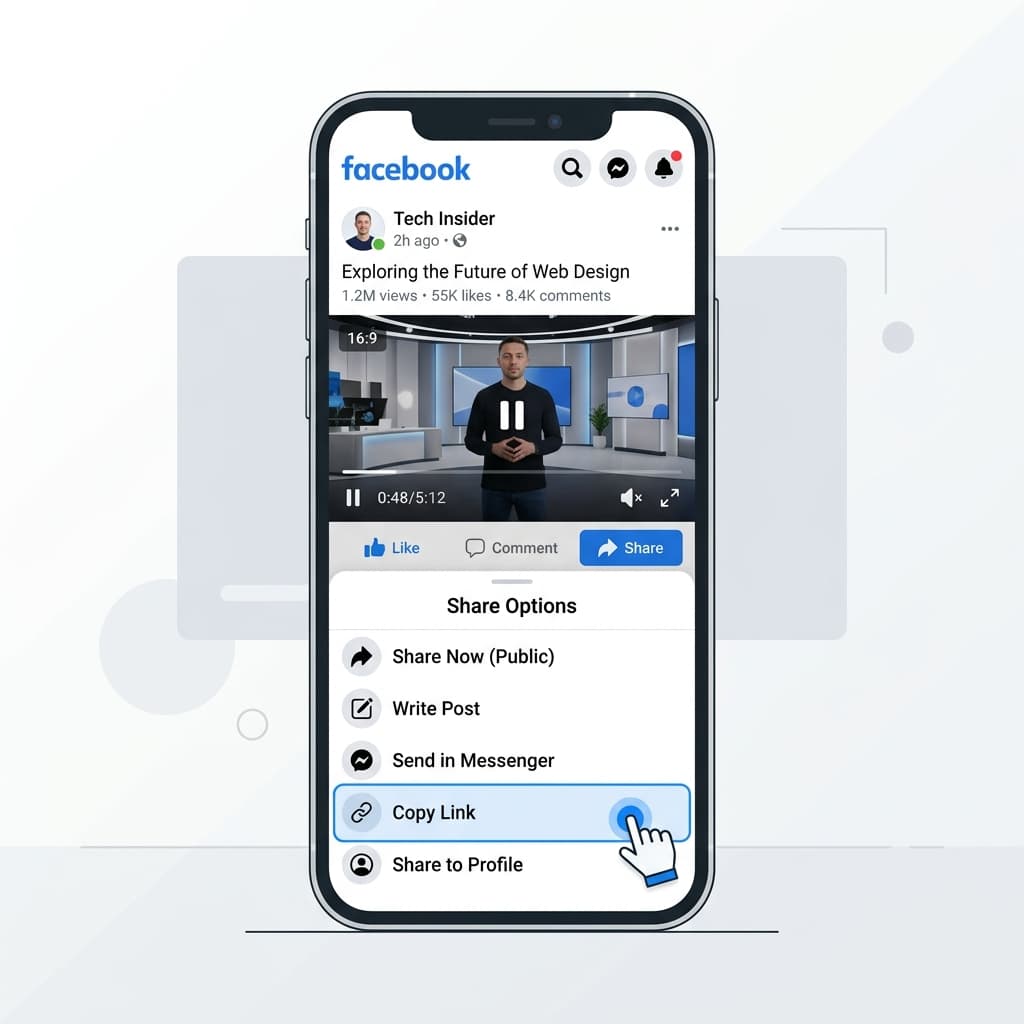
Facebook Reels are short-form videos similar to Instagram Reels. AnyClip fully supports downloading Facebook Reels — just copy the Reel link from the Facebook app or website and paste it into the download field. The video will be saved in its original vertical format and quality.
4Choosing Video Quality
Facebook videos are typically available in SD (360p/480p) and HD (720p/1080p) quality. AnyClip automatically selects the highest available quality for your download. The final quality depends on the original upload resolution set by the video creator.